

Welcome to the Rascals
Four quick steps take you from the Discord server to a fully unlocked dashboard and the Guardian app.
Four quick steps take you from paying to a fully unlocked dashboard, the members server and the Guardian app.
We are so excited to have you here.
You're four quick steps from full access. Follow along below, it takes about ten minutes, and you'll land in the community with everything unlocked.
Join the Discord server
Get the Resale Rascals membership
Tap Join now on our home page and pay with your card. It costs $50 a month and renews every month until you cancel. New members pay $25 for their first month. As soon as the payment goes through, you are signed in and the dashboard works.
Everything starts in Discord. Tap the button below to join the Resale Rascals server. If you do not have a Discord account yet, create one first, it is free.
Get the Money Makers plan on Whop
Connect your Discord
Open the dashboard and tap Connect Discord in the red bar at the top, or on your Account page. Pick the Discord account you want to use. If you do not have a Discord account yet, create one first. It is free.
Tap Join now on our home page and pay on Whop. Then link your Discord account in Whop. Whop gives that account the Money Makers role as soon as the payment goes through.
Sign in here with Discord
Join the Discord server
Tap the button below and join the Resale Rascals server with that same Discord account. If the red bar on the dashboard asks, tap I joined. We add the Money Makers role, usually within a minute or two.
Come back to this site, tap Login, then Continue with Discord. Use the same Discord account that holds the role. If Discord shows someone else, use the "Not you?" option to switch. Your dashboard unlocks as soon as the role check passes.
Install Guardian
Download the Guardian app and sign in with that same Discord account. Set your ZIP code first so stock checks show stores near you, then turn on alerts so new leads reach your phone.
You are done!
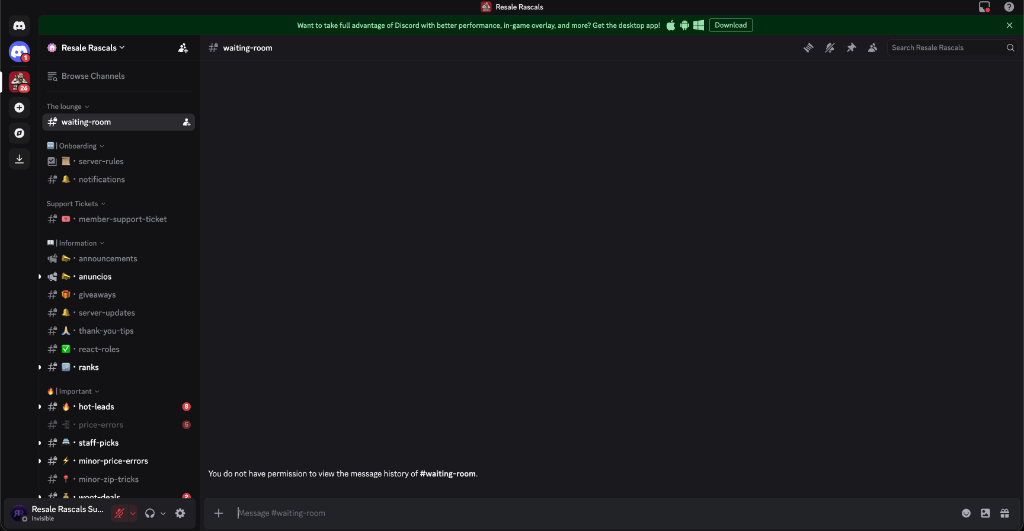
That's everything. If you ever get stuck, our Head of Customer Service, Tesk, is in the server and happy to help. Tap the screenshot below to jump into the community.
Go to Dashboard →